

Private beta Now onboarding teams

Every agent deserves
a computer of its own.

Spawn secure, disposable Firecracker microVMs for your AI agents in one API call. Run code, drive a browser, open an IDE — then vanish without a trace.

Live · an agent using spawn

An AI agent receives a task and spawns sandboxes through the spawn API: it runs code in an isolated Firecracker microVM, drives a headless browser, opens a cloud IDE, or fans out a swarm of sandboxes in parallel, then answers and destroys or pauses them.

1963 — an IBM 7090 filled this room at NASA Ames. Today, every agent gets its own computer in one API call.

Photos: NASA

Use cases

Put agents to work on real code.

See all use cases
acme/storefront Issue #482
M

maya · just now

@spawn add Apple Pay to checkout. Keep the old flow behind a flag, and cover it with tests.

acme/storefront #483

Add Apple Pay to checkout

spawn wants to merge 4 commits +312 −41

✓ All checks have passed · ready for review

orchestrator waiting
  1. 1 Payment session endpoint sb-3ecb
  2. 2 Apple Pay button sb-9c2d
  3. 3 apple_pay feature flag sb-7f1a
  4. 4 Checkout e2e tests sb-5b0e
sb-3ecb

Payment session endpoint

booting…

sb-9c2d

Apple Pay button

booting…

sb-7f1a

apple_pay feature flag

booting…

sb-5b0e

Checkout e2e tests

booting…

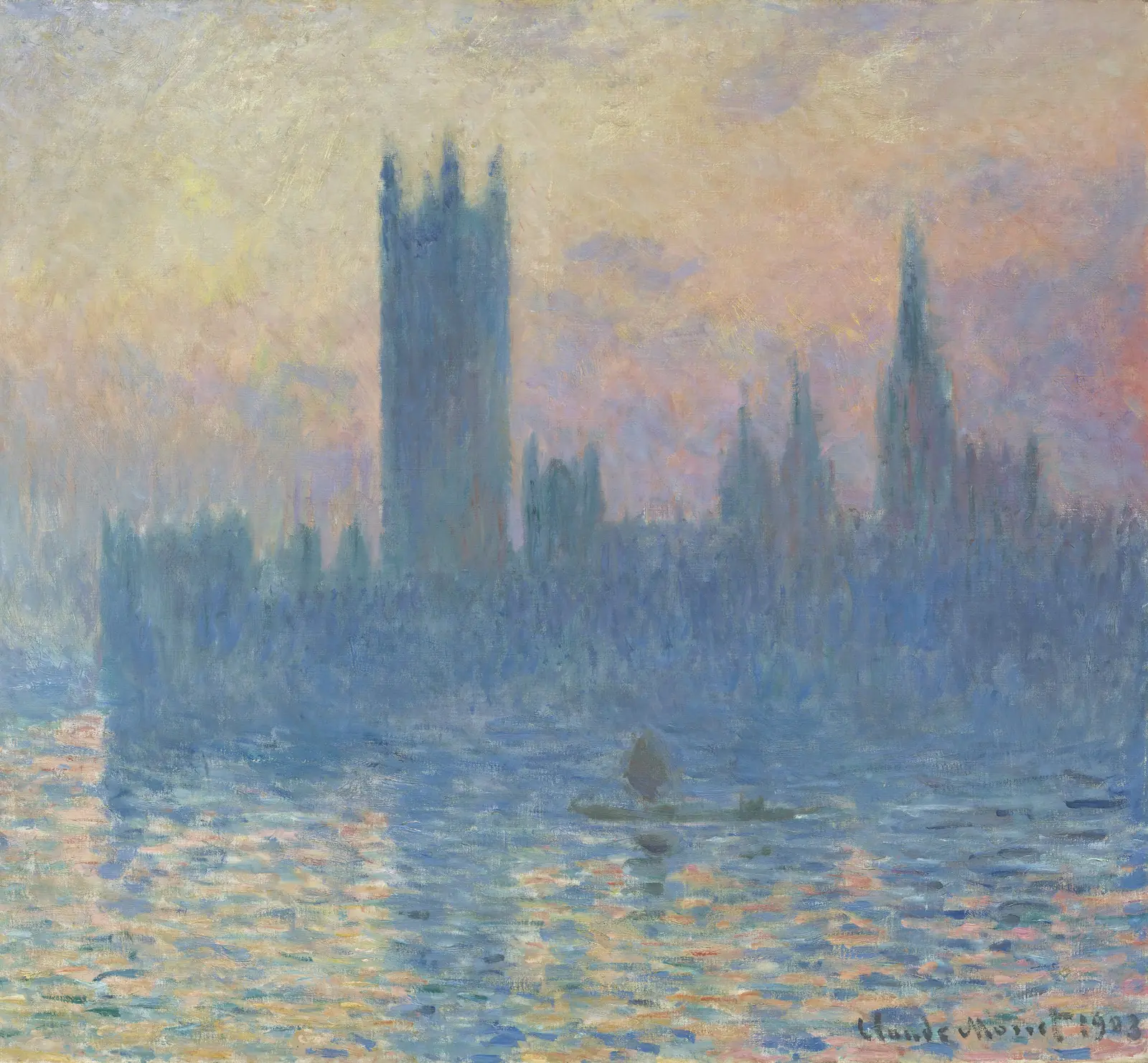
Claude Monet, The Houses of Parliament, Sunset, 1903

How it works

What happens when your agent calls spawn.create()

Every sandbox is its own Firecracker microVM on a KVM host. This is the path a request takes — from your API key to a running machine, and back to nothing.

01

Placed on a machine with room

The control plane checks your key, the size you asked for and your limits. The orchestrator samples a few healthy workers and picks the one with the most headroom — and that worker reserves CPU, memory, disk and a network slot before anything boots.

02

Booted from a snapshot

The worker restores a prebuilt Firecracker template — VM state, memory and a copy-on-write disk — inside its own cgroup and network namespace. The API returns the moment the guest agent inside the VM answers.

03

Your code takes the short path

Run and exec skip the orchestrator: the control plane talks straight to your sandbox’s worker, which keeps a persistent vsock connection to the guest. Python and Node stay warm between calls, so state carries over.

04

Open it up while it runs

Attach a live terminal over WebSocket, open VS Code in the browser, or expose any port through a signed preview link. Every link is single-use or expiring, and private by default.

05

Pause it, resume it, or wipe it

Pause snapshots memory and VM state, uploads only the disk chunks that changed, and frees the CPU and RAM. Resume restores it on the same worker. Destroy tears down the VM and wipes its disk — only the audit record stays.

Features

Everything an agent needs
to run real code.

One small API on top of hardware-isolated microVMs. No containers to harden, no infra to babysit.

  • One small API

    Create a sandbox, run code, read the output — over plain HTTP with an API key. SDKs land at launch.

  • Persistent sessions

    Keep a sandbox alive between calls. Files, variables and installed packages survive across steps.

  • Any runtime, any package

    Python, Node, Bash and Go out of the box. A full Linux VM, not a restricted interpreter.

  • Files in, results out

    Feed in CSVs, JSON or PDFs, let your agent transform them, and pull the results back out.

  • GitHub projects

    Connect a repo through our GitHub App, pin a commit, and run that exact code in a fresh sandbox.

  • Live terminal

    Open an interactive shell into any running sandbox from the dashboard. See exactly what your agent saw.

  • Logs and usage

    Every execution is logged and metered per second — see what ran and exactly what it cost.

  • Hardware isolation

    Firecracker microVMs — the technology behind AWS Lambda — give every sandbox its own kernel.

Hardware isolation

A sealed computer for every agent.

Each sandbox is a Firecracker microVM with its own kernel, memory and disk. Nothing is shared while it runs, and nothing is left behind when it’s gone. Isolation is the foundation. Everything we build next starts here.

Private beta · $20 in free credit · no card required

Fig. 1 — One host, sealed microVMs 0 running · 0 paused · 25 free Hover a sandbox to look inside · click to spawn or destroy DWG SP-0002